Friday, February 3, 2017

Day 4

Today I will be continuing the tutorial and making a camera that moves with the sphere and making walls around the plane so that the sphere doesn't fall off.

So I started off by making the camera object a child of the player object so the it follows it around. But in this case this wont work because the camera follows the axis's and since the ball spins using all the axis it just ended up following the ball as it spins looking like this

So what I had to do was make a script that told it to not spin with the ball.

So what I had to do was subtract the transform position from the player transform position and store it in a variable called offset. Then at the end of every frame (after everything in that frame has initialized) then i made the transform position equal to the player transform position + offset.
This is the code:
:

So I tested this code and it works :D


So I needed to make walls so that the ball doesn't fall off when playing so I proceeded to that.

I made an empty object and named it walls then inside I made the (north wall, east wall, south wall, west wall

Then I made each a cube and extended it an put it around the sides of the plane. 

Now the map looks like this:

And the collision works too:

Tomorrow I will be continuing the tutorial.


Thursday, February 2, 2017

Day 3

Today I worked on the movement of the player sphere.

This was my first introduction to programming in C# and it seems pretty neat :D

I started off by making a script and adding the script to the player.

Then I opened up the script in Microsoft Visual Studio and started working on it.

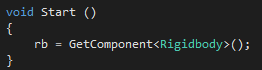
I made a variable called "rb" and made it get the value of "RigidBody" (rigidbody defines that the object will interact with the physics and gravity and all.)


Then I made 2 variables "moveHorizontal" and "moveVertical" and gave them each the value of "Input.GetAxis ("Horziontal" and "Vertical")


What this does is it stores the input that you give it in the variable.

After this I finally worked on adding a force that actually moves the sphere.

I used a function called "Vector3" which is pretty much stores the x,y,z coordinates and i made moveHorizontal the x axis, gave 0 to y axis (because we don't wanna move up), and moveVertical to Z axis.

Then I added a force to rigid body using the code ".AddForce".


So I tested the game and the ball was a bit too slow moving so I had to fix this,

I made a public variable called "speed" and then I multiplied my movement by speed 

And now i can change the speed in the inspector without actually having to open the code.
Like this:


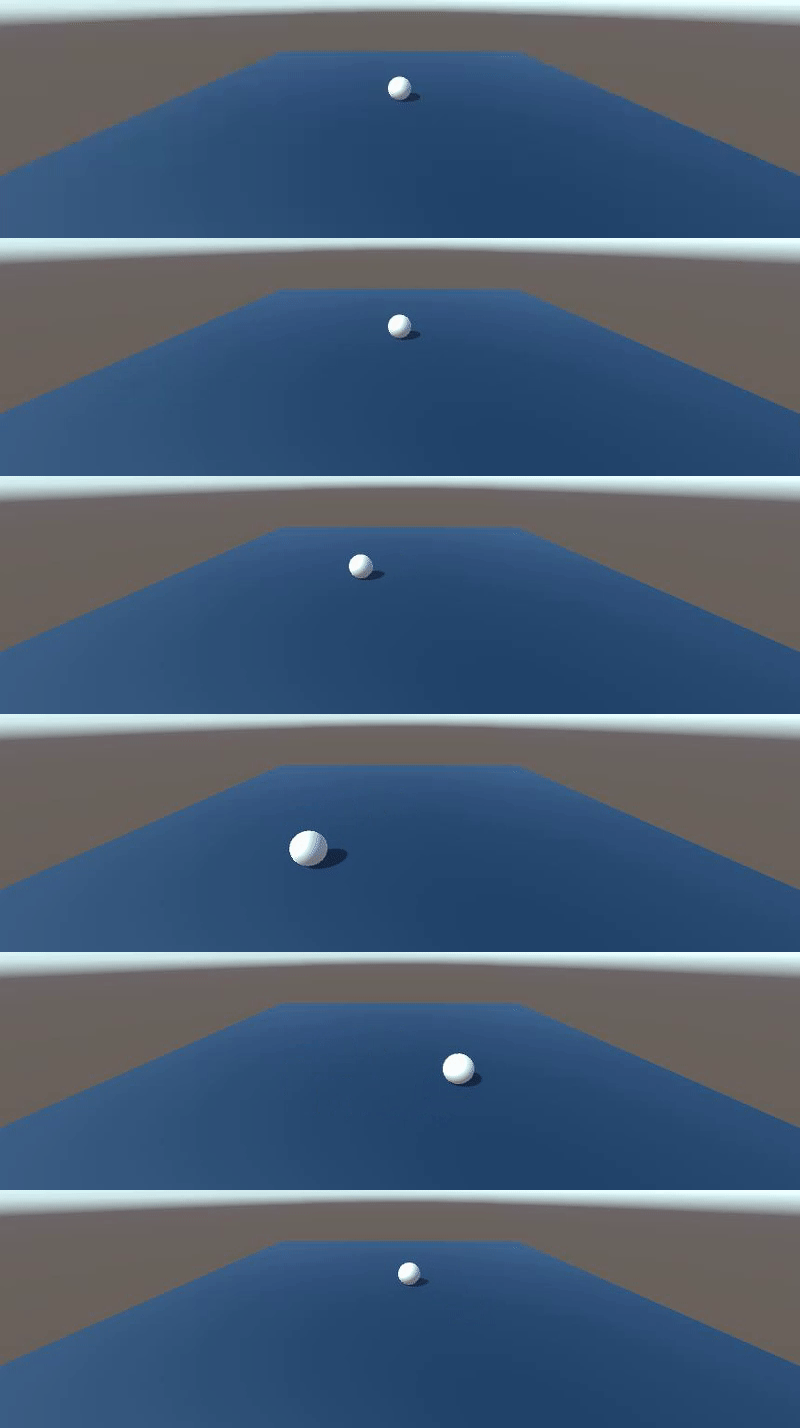
This is how the game looks so far


Tomorrow I will be continuing the tutorial :D

Wednesday, February 1, 2017

Day 2

Today I started making a game where you roll a ball and try to collect small things. I started a tutorial series on this project here.

I was already sorta familiar with the way the unity interface is like with all its tools. With things like hierarchy and parent/child realtionships and just how to do basic things like move things across the map using the arrows and coordinates.

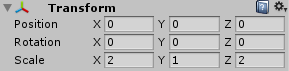
So I started off making a blank plane and centering it by setting the position to zero like this 

This set the plane in the dead center of the map/grid.

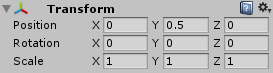
After that I made a sphere and named it player and also set it dead center. This made the center of the sphere on that location so half the sphere was under the plane and the other half was on top. In the tutorial it said that spheres are 1x1 unity blocks in length so to make it rest exactly on the top you set the Y coordinates to 0.5.


So after that I proceeded to change the color of the plane so it doesn't look so bland.
I made a material and called it "background". Inside the setting of the material I made it a sort of light navy blue by using the rgb code that was in the tutorial.

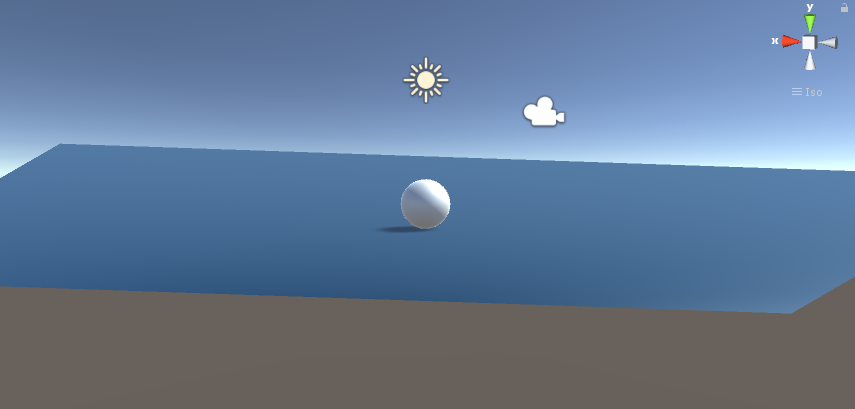
This is how the game looks so far.

Tomorrow I will be working on the movement and physics of the ball so that it reacts to the inputs of the keyboard. This will be my first intro to programming in C# :D

Tuesday, January 31, 2017

Day 1

Today was the first day of the semester (technically). Today I set up my blog and dropbox and pretty much spent most of the class downloading Unity on the PC I'm using so I didn't get to do much. I watched some tutorials but I didn't learn much because I couldn't actually interact with the Unity program.

Tomorrow I will work more with Unity and watch some tutorials on how to do it